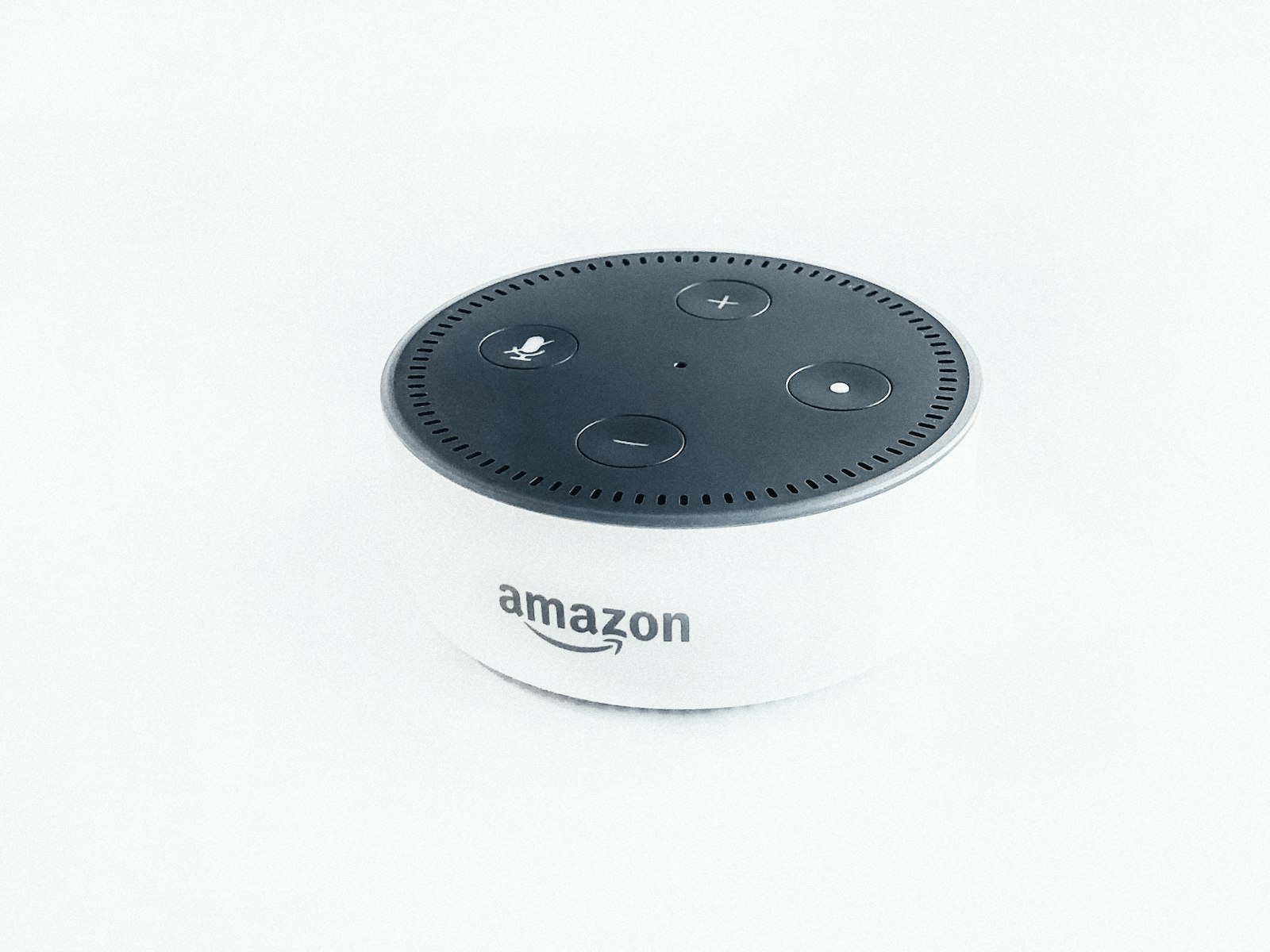
You already paid for the speaker. It sits on the counter, plays the news, and turns a lamp off when you ask. So when a headline says a smart speaker can save a life, it is easy to assume the hard part is finished.
It is not. An Echo will not dial 911 because it is in the room. Amazon’s help page says that, by default, Alexa does not support calling emergency numbers such as 911. The feature people mean by Alexa emergency SOS is a separate paid subscription, Alexa Emergency Assist. Until you buy it, save an address, and test the phrase, the speaker is a speaker.
This is the setup, not the sales pitch. You will see what the helpline actually does, what it will not do when the power drops, and seven steps to run on a quiet afternoon. If you are still choosing a speaker, the voice assistant showdown is the comparison. This page assumes the Echo is already on the counter.

What Alexa emergency SOS actually is
The product name is Alexa Emergency Assist. It is not a hidden SOS button on the speaker. Amazon’s listing says you say “Alexa, call for help,” and a trained agent can request police, fire, or an ambulance for your location. Those calls are answered by Rapid Response Monitoring Services, the same agency Amazon names as the company behind Ring’s monitoring.
That is a person on a phone line. It is not the speaker placing a 911 call itself. Amazon’s help page is plain about it: Urgent Response is not a 911 service. If you have linked an existing phone line to Alexa, you may be able to reach 911 that way. That is a different setup, and it is not what this subscription does.
On the listing checked for this guide, Prime members see $5.99 a month or $59 a year. The subscription auto-renews until you cancel it under Memberships and Subscriptions. Amazon says it is available in the 50 U.S. states and the District of Columbia. Outside that list, this is not a switch you can flip.
Anyone who can talk to the Echo can ask for help. Amazon recommends a separate profile for each person if you also want the Alexa app to tell the agent who is calling. Amazon’s own explainer says the same path works from Echo Auto, Echo Buds, Echo Frames, and the app, not only from the speaker on the counter. Test each one. Do not assume the Buds in a coat pocket behave like the Show in the kitchen.
What you get after you subscribe
Four pieces are on the listing. None of them is magic, and none of them replaces a phone you can reach.
A person, 24 hours a day. The phrase is “Alexa, call for help.” You can also ask, type, or tap the same request in the Alexa app. The agent can request dispatch. You still have to be heard, or someone else has to confirm that help should go out.
Up to 25 emergency contacts. Amazon says they get a text and a push notification when the Urgent Response call starts and when it ends. The contacts FAQ says one of them can be marked primary, and that person may be called to approve dispatch if the agent cannot communicate with the person in the house. Tell those people you added them. A surprise text at 2 a.m. is not a plan.
Notes you write in advance. Gate codes, allergies, medications, pets, which door to use. Agents pass that along so the first person through the door is not guessing. Only store what you are willing to share with a stranger on a bad day.
Sound alerts, not a monitoring center. The listing includes detection for smoke alarms, carbon monoxide alarms, and glass breaking. Amazon is explicit that this is not a professional monitoring service. A Smart Alert goes to your phone. You listen to a short clip, you can Drop In, and you decide whether to call Urgent Response. The alert does not send anyone by itself. Amazon’s sound-detection FAQ says those alerts are off until you turn them on.
What it still will not do
This is the part worth reading twice, especially if you are setting this up for a parent, a partner, or yourself after a scare.
It will not dial 911 from the speaker. Saying “Alexa, call 911” is not the phrase, and Amazon says the speaker does not support that call by default. The phrase that reaches the paid helpline is “Alexa, call for help.” Practice the words you will actually say when you are scared. People do not invent the marketing phrase in the moment.
It will not work from the Echo if the power is out or the internet is down. Amazon’s FAQ says you can still reach Urgent Response from the Alexa app on a phone that has a cellular data connection. A speaker with no power is a paperweight. The phone in a pocket is the backup. If the Wi-Fi already drops every evening, fix that before you trust a voice line. The Wi-Fi fix guide is the unglamorous prerequisite.
It will not notice a fall. Amazon’s listing describes a voice request and three sounds: smoke, carbon monoxide, and breaking glass. There is no automatic fall sensor in that description. If the person who needs help cannot speak, or the speaker cannot hear them over a shower, this cannot be the only plan. A button they can press still matters. A security checklist is useful here because it forces the boring question: what still works when the clever device does not.
It is also not the free Alexa tricks you already have. Amazon published three customer stories about getting help: an announcement across the house during a stroke, a call to a neighbor after a fall, and a voice command that unlocked a door during CPR. Those stories are specific, and they did not require Emergency Assist. Penny called a friend through Alexa’s ordinary calling feature. David unlocked a door while he stayed on the phone with 911. Do not read “Alexa helped” as “the paid helpline was on.” The free tools are real. They are also a different product.
If you are away from home and you start the call from the app with location sharing on, Amazon says responders are sent to the last known GPS location of that phone. That is useful on a sidewalk. It is useless if location sharing is off and you never checked.
The free tools, and the privacy trade
Before you pay, know what you already have. Alexa calling and announcements can reach a person you named, without Urgent Response. Drop In can let a trusted contact hear the room. A smart lock can open a door for someone who is already on the way. None of that dispatches police. All of it depends on the account, the Wi-Fi, and whether you set the permission in advance.
Those features also share more of the house with Amazon. Microphone off-buttons exist for a reason. Amazon’s privacy controls are the official map, and the privacy guide on this site is the plain-language version if the settings screens make your eyes glaze. Emergency Assist adds another share: the notes you save, the address, and the fact that a call happened. That can be the right trade. It should be a trade you chose, not one you discovered later.
Older Guard and Guard Plus subscribers are in a different boat. A 2025 Gearbrain update reports that those plans are no longer supported and that earlier subscribers were moved toward Emergency Assist or asked to subscribe when the old features stopped. If a routine you set years ago said “Alexa, I’m leaving” and expected glass-break alerts for free, test it. Do not trust a routine from 2022.
If the open question is whether Alexa, Siri, or Google Assistant even hears you clearly, settle that before you pay for a helpline. The which-assistant-understands-you comparison is about hearing, not about dispatch.
Seven steps to set it up before you need it
Do this on a Tuesday. Do not do it after someone has already fallen.
1. Check that you are actually eligible
You need a U.S. account in the 50 states or the District of Columbia, a supported Echo or the Alexa app, and a phone number Amazon can verify. The listing says the subscription works with Echo smart speakers, Echo smart displays, the app, and on-the-go devices including Echo Auto, Echo Buds, and Echo Frames. Make a test call from each device you intend to trust. Amazon says to.
2. Subscribe, then update the app
Subscribe from the Emergency Assist listing, or say “Alexa, buy Alexa Emergency Assist” and finish checkout. Then open the Alexa app and install the update it asks for. An old app is how people end up with a receipt and no dashboard.
3. Confirm the address and turn communications on
In the app, open More, then Alexa Emergency Assist, then the settings gear, then Your Information. Confirm the emergency address and the phone number. Amazon’s setup page also says Alexa Communications has to be on. A wrong apartment number is not a small typo when someone is coming to help.
4. Write the notes a stranger would need
From Your Information, tap Manage. Add the gate code, the medications that matter, a pet that bites, and which door actually opens. Skip anything you would not want read aloud to a responder. The point is speed, not a medical autobiography.
5. Add the people who should know
Add emergency contacts, up to 25, and mark a primary if the app offers it. Text them yourself the same day. Tell them the message will come from Amazon, not from your personal number, and that a second message arrives when the call ends. If they have opted out of texts, Amazon says it cannot reach them.
6. Turn Smart Alerts on, on purpose
They start off. In Emergency Assist settings, open Smart Alerts and enable smoke, carbon monoxide, and glass only if you want those pings. A chirping dinner timer is not a smoke alarm, but a sensitive detector will still ping you. The ping is information. You still decide whether to call.
7. Test the helpline, then teach the phrase
Amazon’s Urgent Response FAQ says to test with “Alexa, test the emergency helpline” and stay on the line until you hear that the test worked. Do that on every device, including the app. Then tell everyone in the house, including kids if they use the speaker, that the real phrase is “Alexa, call for help,” not “Alexa, call 911.” Amazon says household members can use Urgent Response on Amazon Kids devices too. A child who only knows the movie version of the phrase will not reach the agent.
Frequently asked questions
Can Alexa call 911 by itself?
No. Amazon says that by default Alexa does not support calls to emergency numbers such as 911, and that Urgent Response is not a 911 service. The paid path connects you to a Rapid Response agent, who can request dispatch. If you need a direct 911 call, use a phone.
What do I actually say?
After the subscription is active, say “Alexa, call for help” to a supported Echo, or say or type the same request in the Alexa app. The test phrase is different: “Alexa, test the emergency helpline.” Do not test by placing a real call.
Will it work if the power or the internet is out?
Not from the Echo. Amazon says Urgent Response calling from Echo devices fails during a power outage or an internet outage. You can still try the Alexa app on a phone that has cellular data. That is why the phone, not the speaker, is the backup.
Does a Smart Alert send help on its own?
No. Amazon says Smart Alerts are informational. You get a notification, you can listen to a clip, and you choose whether to call Urgent Response. A smoke-alarm ping while you are at work is a prompt, not a dispatched truck.
What if the person who needs help cannot speak?
This product is a poor only-plan for that case. It listens for a voice request or for a few specific sounds. It does not describe automatic fall detection. A primary emergency contact can be asked to approve dispatch if the agent cannot communicate, which helps only if you set that contact and they answer. Pair this with a button, a person nearby, or both.
Takeaway
Alexa emergency SOS smart speaker safety is a subscription plus a setup, not a personality trait of the speaker. Buy Emergency Assist only if you are in the U.S. coverage area, you can say the phrase or reach the app, and you have run the test. Then write the address, the notes, and the contacts while you are calm.
Copy this into a note and check it off:
- Subscription active, app updated
- Emergency address and phone confirmed
- Critical notes added, nothing you would regret sharing
- Contacts warned, primary contact named
- Smart Alerts turned on only for the sounds you want
- Test call completed on every device you trust
- Household taught “Alexa, call for help,” not “call 911”
- A non-speaker backup chosen: a phone, a button, or a person
If the rest of the house is still a pile of half-paired gadgets, do the first-week setup timeline before you add another subscription. The beginner mistakes list covers the other ways a new setup wastes a Saturday. A camera is a different job: the Ring Always Home Cam review is about seeing a room, not about reaching an agent. And if you are weighing Alexa against the other two ecosystems for ordinary daily use, the 2026 ecosystem comparison is the wider map. The helpline is the narrow one. Set it up, test it, and do not let a headline do that work for you.